01
Start the Mina the Hollower checklist early
Mark route and boss progress while you play. This helps you remember where to return without spoiling every hidden objective.
- Main progress
- Boss notes
- Sidearms
- Trinkets
Completion tracker
Use this Mina the Hollower checklist to track the things players actually forget: bosses, purchases, map setup, train funding, mirrors, trinket cleanup, achievement categories, and randomizer-ready replay goals.
Local-only progress tracker. No account required.
Check items as you go. The Mina the Hollower checklist saves progress in this browser and can export or import JSON.
Checklist progress
0%
The Mina the Hollower checklist is specific enough to be useful without turning hidden objectives into a spoiler wall.
The checklist saves in your browser so you can return after a session and remember bosses, routes, sidearms, trinkets, and areas worth revisiting.
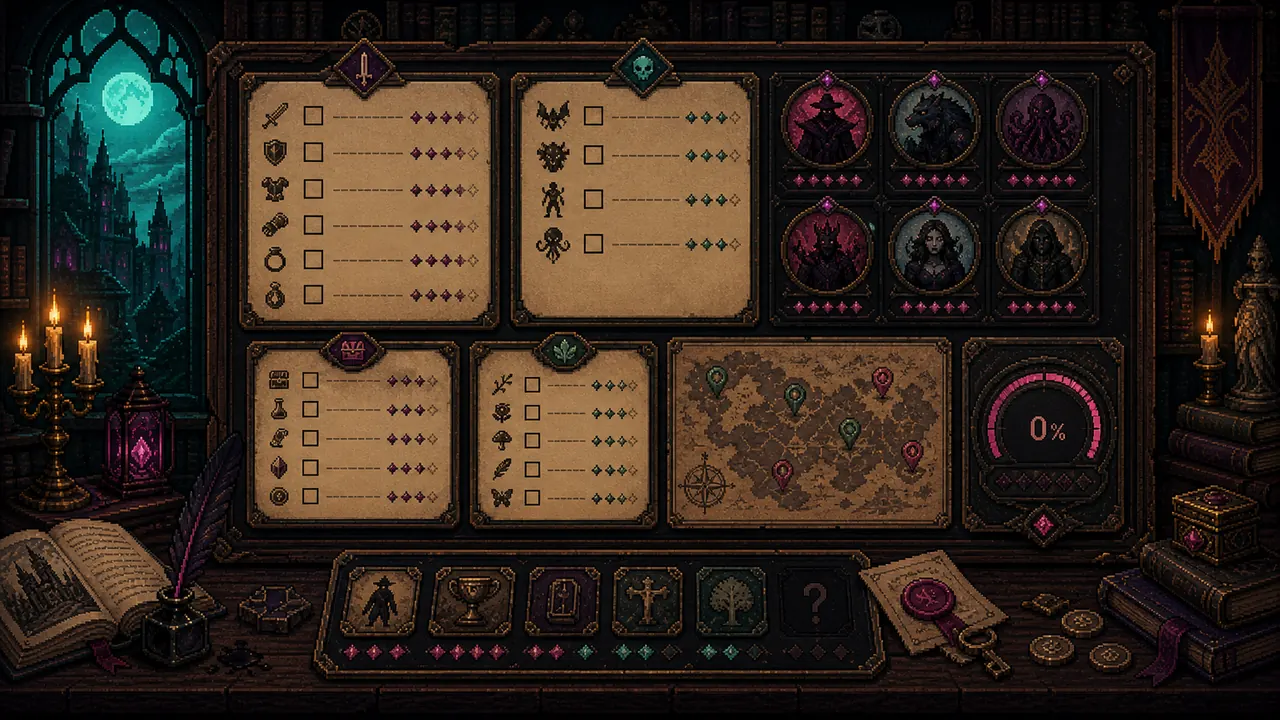
The checklist now uses public launch facts, route goals, and achievement categories instead of placeholder rows. It still avoids dumping every hidden objective into your first run.
Use the Mina the Hollower checklist as a session memory tool first, completion database second.
Mark route and boss progress while you play. This helps you remember where to return without spoiling every hidden objective.
When a build needs more comfort or damage, track the categories you still want to test instead of swapping every weapon and trinket at once.
Progress is local to your browser. Export JSON if you want a backup or want to move the checklist to another browser.
Short answers for Mina the Hollower checklist and 100% searches.
It has a practical low-spoiler 100% structure rather than a full hidden-objective dump. Use it for bosses, trinkets, routes, mirrors, travel, achievement categories, and replay goals.
Progress is saved in your browser localStorage. You can export JSON as a backup or import it into another browser.
Yes. It can expand further with exact item databases, but the current version is already useful for first clears, cleanup, and replay planning.
Progress tracking is more useful when it tells you what to try next, so pair the checklist with the build planner.
Checklist updated June 12, 2026 with public achievement categories and launch-week route facts.